Which scanner actually reads the label?
The scan-your-food aisle split into graders and counters. Here is what each kind actually tells you, and where every one of them stops.
By the Svelio editorial team · July 12, 2026
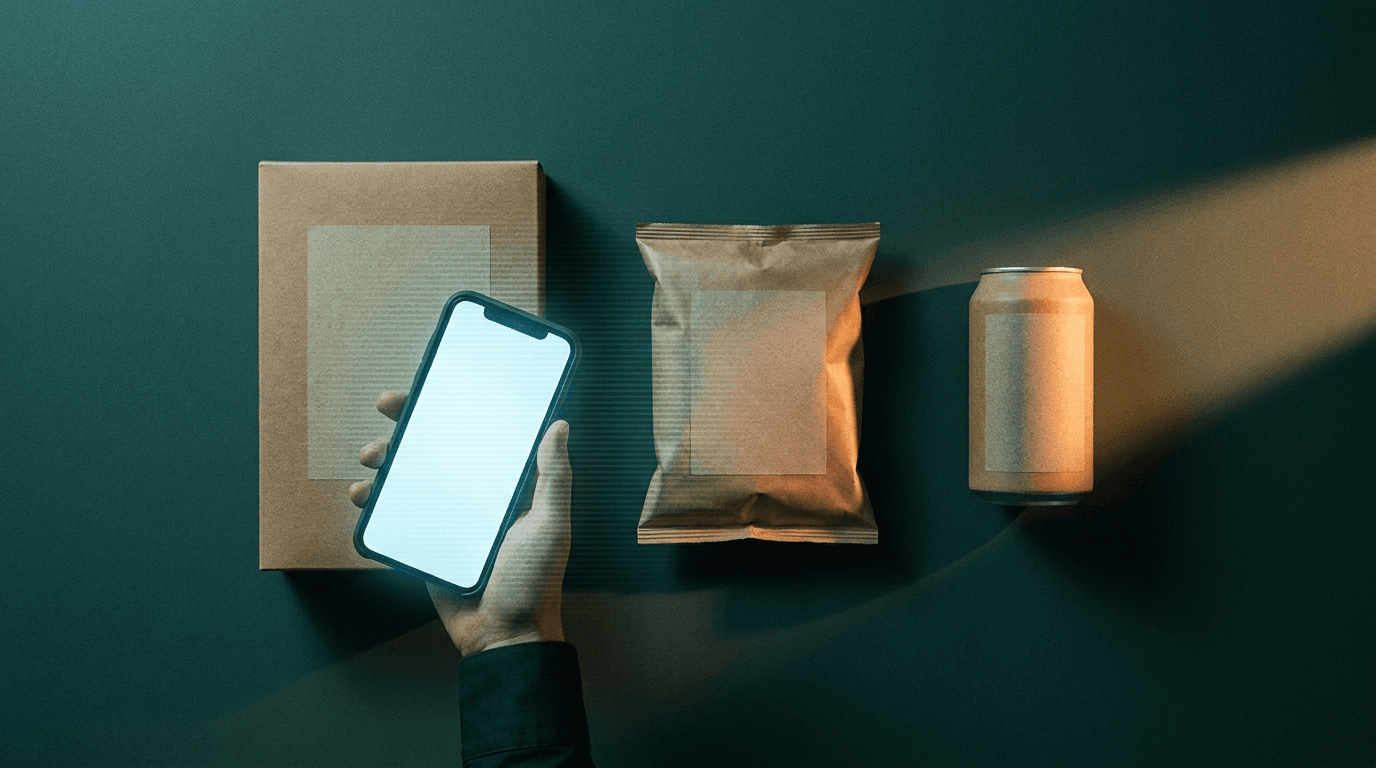
Somewhere in the last few years, the aisle of apps that promise to scan your food quietly split in two. One camp grades quality: point it at a barcode and get a verdict on how processed, how additive-laden, how good-for-you a product is. The other camp counts quantity: log what you ate and watch the calories and macros add up.
Almost nothing does both well, and almost nothing reads the label actually in front of you. That is not a knock. each kind of app is good at the job it set out to do. But it is worth knowing exactly what you are getting, and where the answer runs out. Here is the honest field guide.
The quality graders
These are the color-score apps. Scan a barcode, get a rating: a letter, a number, a red-yellow-green light. The good ones do real work. they flag additives, surface added sugar, and give you a fast read standing at the shelf. Some are backed by enormous open product databases, which is genuinely useful, and a few now explain why an ingredient matters rather than just flagging it.
Where they stop: the score is usually the app's own formula, not a public standard, so “good” means good by that app's math. They depend on the barcode being in a database, so a small brand, a deli item, or anything without a scannable code returns a shrug. And they tell you about a product in isolation, not about your day.
The calorie counters
The other camp is built around logging: huge food databases, macro breakdowns, streaks, and increasingly a camera that estimates your plate. For tracking intake over time, the mature ones are hard to beat.
Where they stop: they count, they do not inspect. A calorie total says nothing about the additives, the ingredient order, or whether the front of the box is being honest. And the photo-estimate shortcut, convenient as it is, is still an estimate. often a confident one, with no way to see how it landed on the number.
What none of them quite do
Put the two camps together and a gap sits in the middle. Almost no app will read the printed Nutrition Facts panel itself (not just a barcode), grade each nutrient against a public standard and show you the arithmetic, flag the additives, and check the marketing on the front against the ingredients on the back. That gap is the whole reason Svelio exists.
How to read a label yourself
You do not need any app to catch the biggest offenders. Five lines do most of the work:
Where you'll find it: Serving size first. Everything below is per serving, and the serving is often smaller than what you will actually eat. Double it in your head if the package is really a single sitting.
Added sugars, not just sugars.The line that matters is “Includes Xg Added Sugars,” and its %DV tells you how much of a day one serving spends.
Sodium %DV. At or above 20% of the Daily Value is a lot for a single item.
The first three ingredients. Ingredients are listed by weight. If a sugar, a syrup, or a refined oil sits near the top, that is what the product mostly is.
The red-flag words. Partially hydrogenated oil (trans fat, even when the label rounds to 0g), a numbered dye, TBHQ, azodicarbonamide. one of these is a reason to look twice.
The honest version
Whatever you scan with, the label is the source of truth, and with those five lines you can read it yourself. If you would rather have it read for you, graded against FDA Daily Values, with more than forty additives flagged by risk and the front-of-pack claims checked against the actual ingredients, that is exactly what we built Svelio to do. And when there is no label to read, a home-cooked plate or a restaurant meal, it estimates from a photo, grounds the estimate in USDA data, re-checks its own portions, and tells you plainly that it is an estimate. No fake precision, in either direction.
References
- U.S. Food and Drug Administration. (2024). How to understand and use the Nutrition Facts label.
- U.S. Food and Drug Administration. (2024). Daily Value on the Nutrition and Supplement Facts labels.
- Center for Science in the Public Interest. (n.d.). Chemical Cuisine: food additive safety ratings.
Editor's note: This guide describes categories of apps, not specific products. Formulations and features change; the package in your hand always trumps the post. Spotted an error? Email info@svelio.io.
“A barcode scan is only as good as the database behind it. The label is always in your hand.”
There's always something they're not telling you.
Each Brief is one investigation we couldn't sit on: an additive, a brand watch, a regulatory shift. The next one might be about your favorite snack.